


Skip to content

Hamna Arif / Web developer

Make work flow.

Websites that turn visitors into enquiries. Apps that replace manual work. Automation that connects your tools.

Scroll to discover

02 / The problem

Small problems. Real costs.

Rarely one big problem. Usually ten small ones nobody has time for.

Sound familiar?

The next step is hard to find, so interest turns into a closed tab.

The fix

Pages with one clear next step.

A few minutes here and there, every day, adds up to lost hours and missed customers.

03 / The shift

Everything in one place.

EnquiriesOrdersAdminOne systemMore time for real work

An illustration. Every business is set up differently.

Today

Enquiries in an inbox, orders in a spreadsheet, admin on paper. Someone has to carry every step.

After

Enquiries, orders and admin arrive in one system instead of five. The routine steps run themselves. People get back to the work only they can do.

  • Every enquiry lands in one inbox
  • Follow-ups and reminders send themselves
  • The whole team sees the same, current numbers

04 / What gets built

Four things, built properly.

Most projects are one of these, or a mix. Each one starts with the problem, not the technology.

Business websites

Visitors in. Enquiries out.

Business websites

Fast websites that explain what a business does in seconds and make getting in touch the obvious next step.

  • One clear next step on every page
  • Built to show up in search and AI answers
  • Quick on any phone

Web applications

Your process, as software.

Web applications

Custom tools shaped around how the business actually runs: ordering, booking, dashboards and client portals.

  • Dashboards and admin panels
  • Ordering, booking and stock
  • Accounts with roles and permissions

Automation

Do it once. Never again.

Automation

Repetitive steps handled automatically. Forms, email, spreadsheets and CRMs that pass information to each other.

  • Automatic follow-ups and reminders
  • Forms that feed straight into your tools
  • Links between apps already in use

Interface design

Complex inside. Simple on screen.

Interface design

Screens people understand without a manual, so staff and customers finish tasks without asking for help.

  • Flows that guide instead of confuse
  • Works on every screen size
  • Accessible by default

05 / Selected work

Recent projects.

Each one started with a business that needed something to work better.

Ask about a project
Read all project summaries

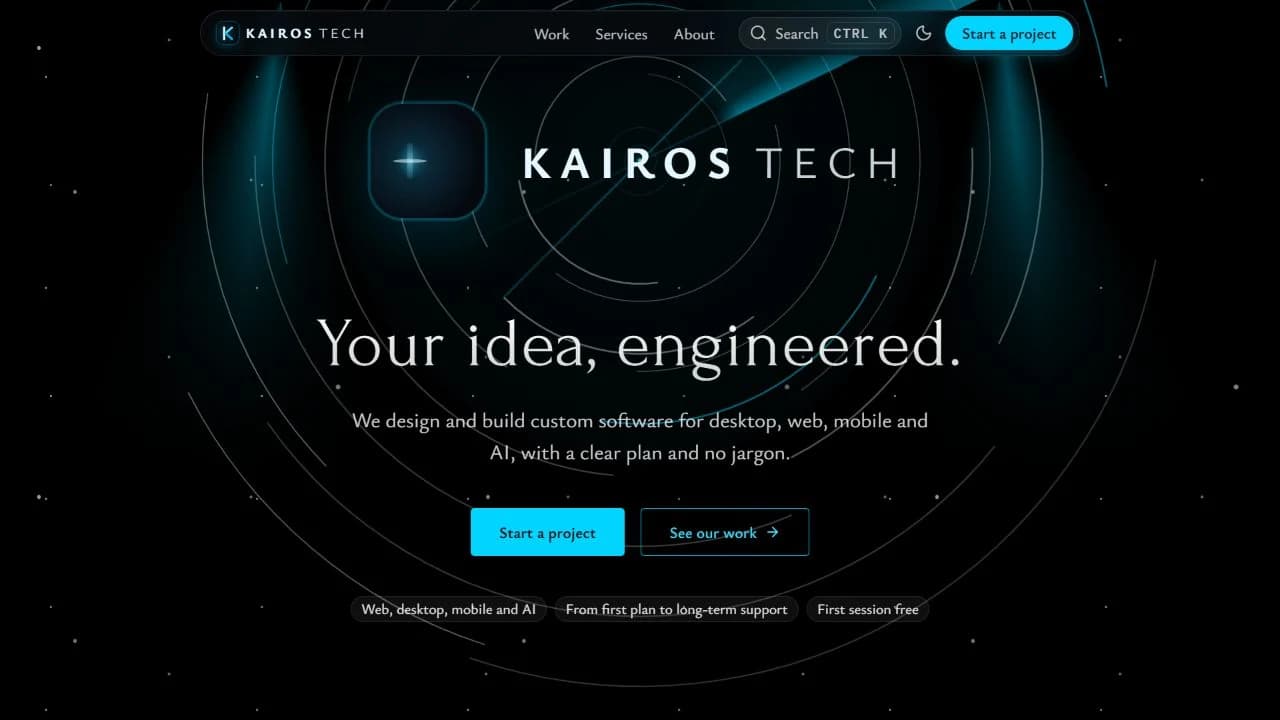
Kairos Tech

Business website

The problem: Prospects could not tell what the company actually builds, so good leads left without asking.

What was built: Services and past work explained in plain language, with one clear path to start a project.

Visit Kairos Tech (opens in a new tab)

Tech Brothers

Business website

The problem: A long list of IT services made it hard for visitors to find the one they came for.

What was built: Services grouped by need, so each visitor reaches the right page in a click or two, then gets in touch.

Visit Tech Brothers (opens in a new tab)

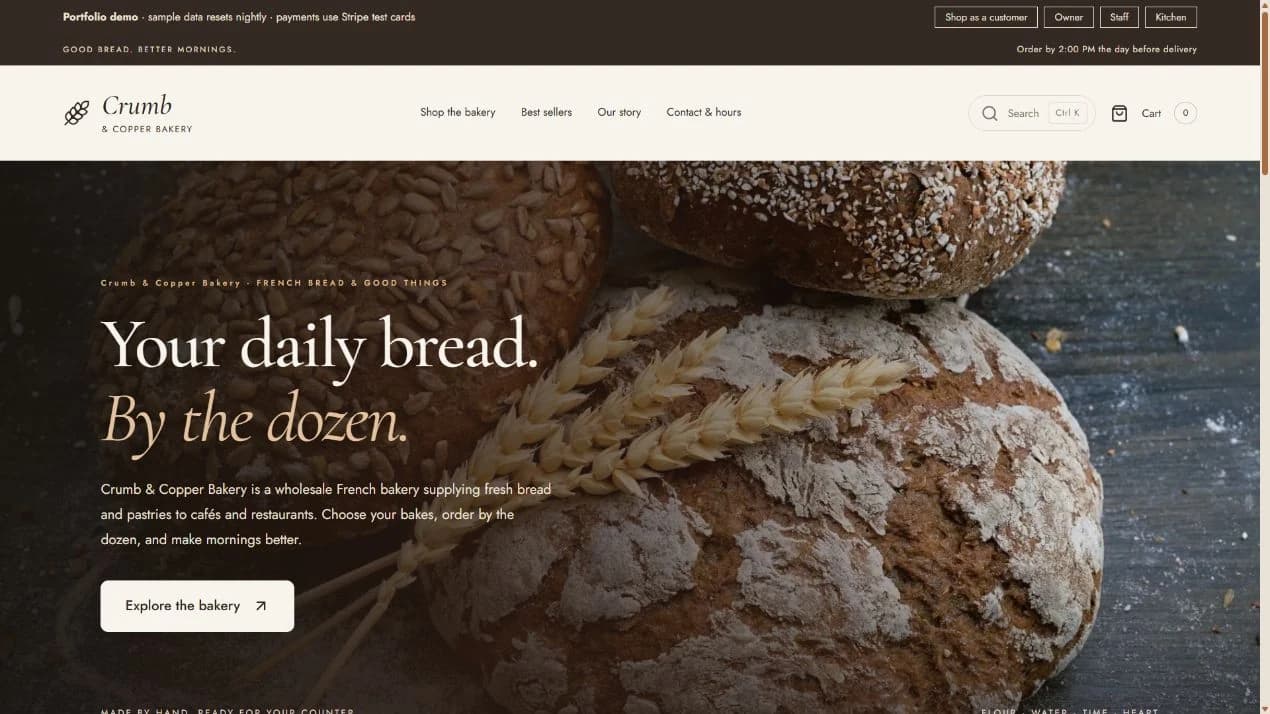
Crumb & Copper

Web application

The problem: On Shopify, wholesale rules need three to five paid apps that never talk to each other. None handles a shortage: someone emails every buyer and refunds by hand.

What was built: One system, one set of rules. Wholesale prices without an account, daily kitchen limits, delivery cutoffs, self-serve order changes with automatic top-ups or refunds, and a shortage flow buyers answer themselves.

Visit Crumb & Copper (opens in a new tab)

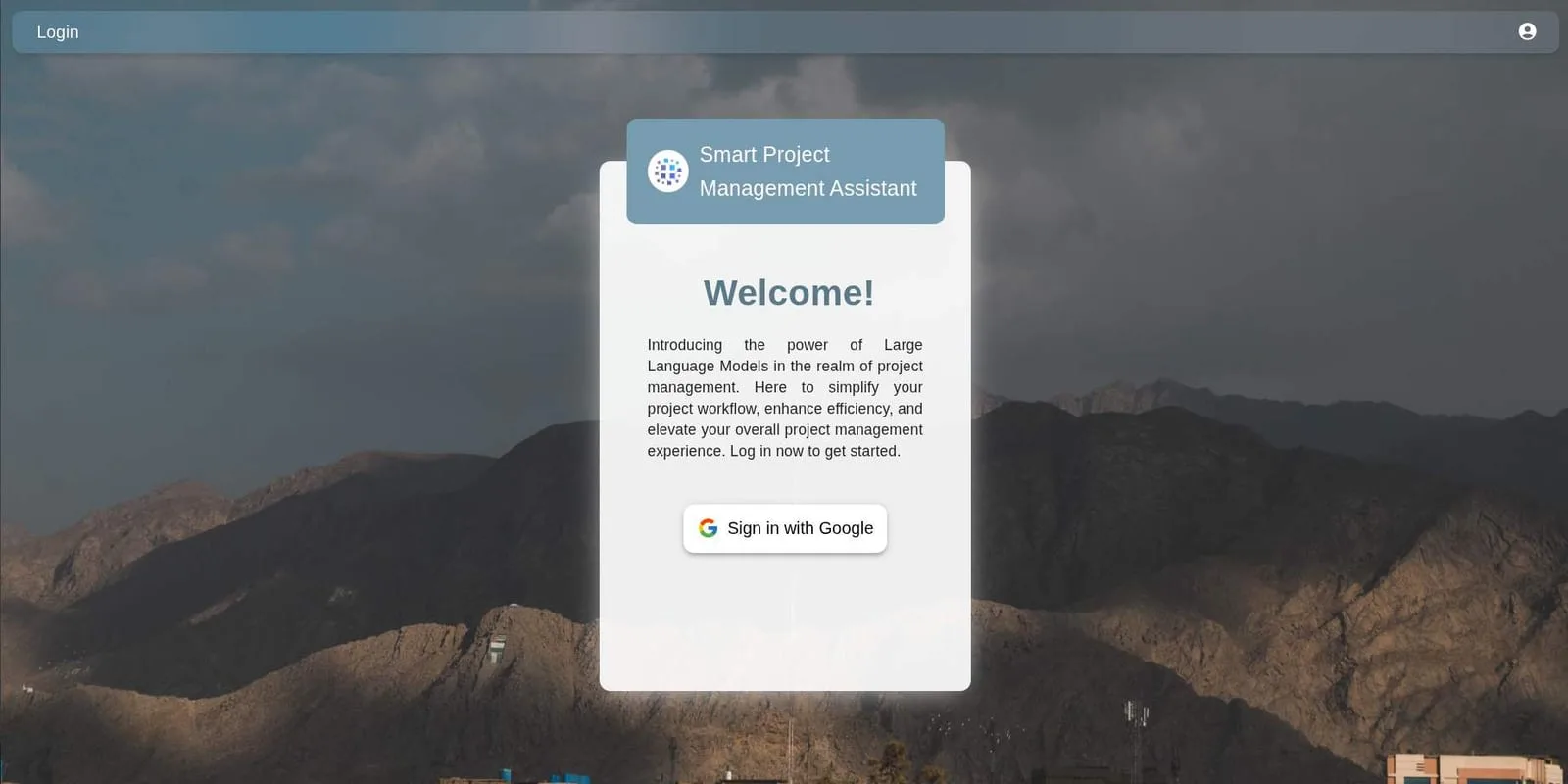
SPMA

AI web application

The problem: Public-sector project teams wrote PC-1s, meeting minutes and fund authorisations by hand, and dug through thick manuals for every answer. Approvals slowed and formats drifted.

What was built: A Smart Project Management Assistant that drafts those documents in the official format, answers questions straight from the project manuals, and sends meeting invitations. It runs on a local model, behind role-based access.

Ask Hub

AI web application

The problem: Financial and operational reports keep their numbers in tables that break across PDF pages. Ordinary AI chatbots lose the thread there, and guess.

What was built: A chat assistant that stitches split tables back together before reading them, so a question like "What was Q3 revenue for Department X?" gets an accurate answer. It runs on a local Llama 3 model, so the data never leaves.

06 / How it works

How a project runs.

Four steps, no surprises. At every point it is clear what is happening and what comes next.

  1. 01

    Listen

    A conversation about the business, the people, and where time is being lost. No jargon.

  2. 02

    Plan

    A clear proposal: what gets built, how long it takes, and what it costs.

  3. 03

    Build

    Work in short rounds, with something real to click through at every stage.

  4. 04

    Launch

    Go live, watch how people use it, and fix whatever gets in their way.

Who builds it

Hamna Arif, web developer.

Design and development handled together, so nothing gets lost between the idea and the finished product.

Before we talk

A few project questions.

A starting point for the conversation. The details depend on your project.

What does Hamna Arif build?

Hamna Arif builds business websites, custom web applications, workflow automation and user interfaces. Projects can include dashboards, ordering and booking tools, client portals, and connections between forms, email, spreadsheets and CRMs.

How do I start a web development project?

Start with the problem you want to solve. Send a short enquiry through the contact form or WhatsApp, explaining what currently takes too much time or makes work difficult. The first conversation helps clarify what needs to be built.

Does Hamna handle both design and development?

Yes. Hamna handles interface design and web development together, connecting how a website or application looks with how it works. Her approach combines attention to balance and clarity with dependable engineering.

Can existing business tools be connected?

Possibly, but it needs to be assessed first. Hamna reviews your requirements, current workflow and the tools involved to see whether a reliable connection is feasible. What is possible depends on each tool’s integration options, access permissions and limitations. Some tools may not be suitable to connect, so a solution cannot be promised before that review.

Got a problem worth fixing?

What's slowing the business down?

Describe it in a few lines. The reply will say honestly whether it is worth building, and what it would take.

What do you have in mind?

A question or a rough idea is enough to start.

Attach a brief or requirements

One PDF, Word document or text file, up to 5 MB.

Your details are used to reply to your enquiry.